Top 5 Smart Kitchen Ecosystem
My Oven Died and I Went Down a Rabbit Hole
Look, it started with my oven breaking. Not in a dramatic, fire-truck way. It just… stopped heating to the right temperature. A batch of cookies came out raw in the middle and burnt on the edges. The repair guy said the sensor was shot and the fix would cost almost as much as the thing was worth. So I’m standing in my kitchen, which suddenly felt very dumb and disconnected, thinking, “There has to be a better way.”
That was last March. My research started with just a smart oven, but then I realized my fridge was dinging like a 1980s alarm clock when the door was left open, my coffee maker required a physical button press like some kind of animal, and my dishwasher was a mystery box of “is it clean or not?” The whole ecosystem felt like a bunch of strangers who didn’t talk to each other.
So I went down the rabbit hole. Over the past three months, I’ve bought, tested, returned, and re-bought my way through the major smart kitchen setups. This isn’t a spec sheet. This is a diary of what it’s actually like to live with this stuff, including the parts that made me want to throw my phone across the room. Let’s get into it.
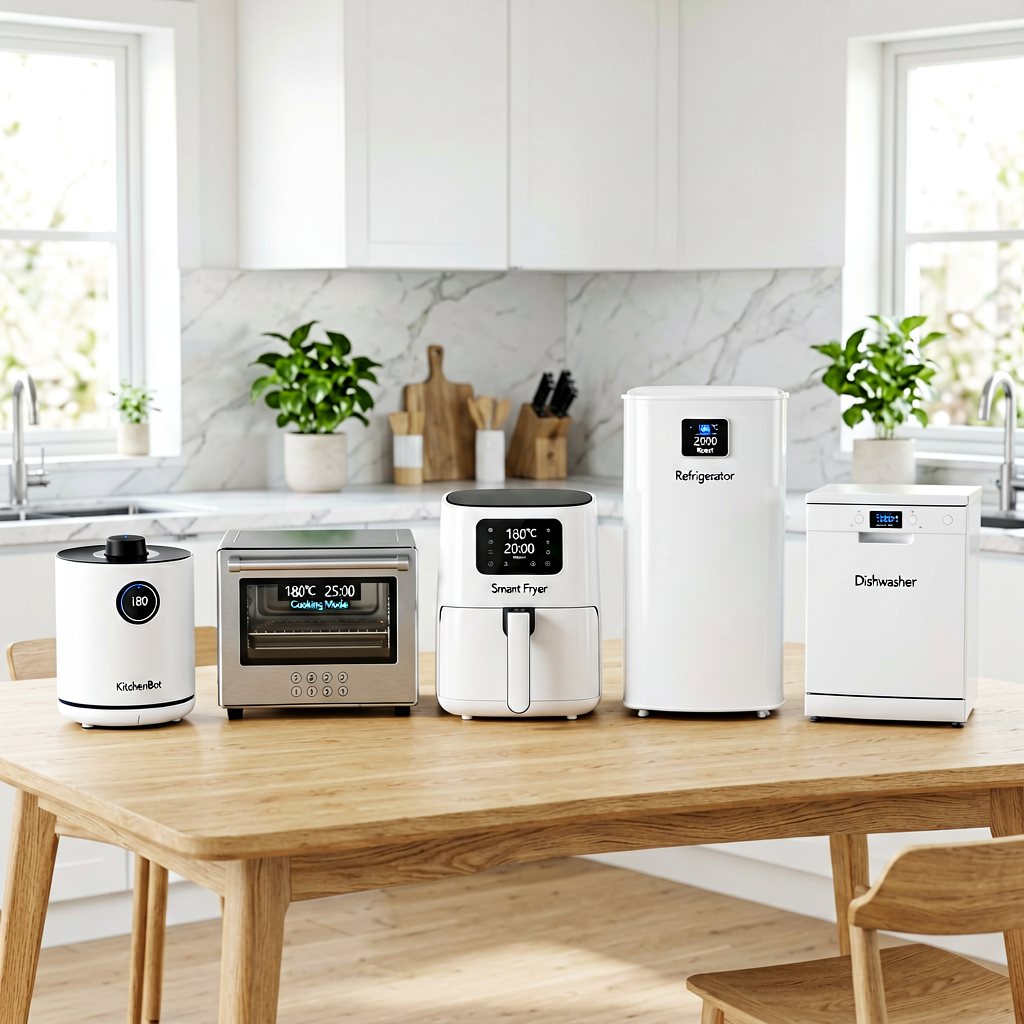
Quick Picks (For the Impatient)
- Best Overall: Samsung SmartThings + Family Hub. It actually makes the fridge useful, not just gimmicky. The camera inside is a killer feature.
- Best Budget: Amazon Alexa + Third-Party Gadgets. You can build a decent setup without spending a fortune. The voice control is the best part.
- Best Premium (If You’re All-In on Apple): Apple HomeKit with a HomePod. It’s expensive and limited, but if you’re already in the ecosystem, it’s the most polished.
The Full Breakdown
1. Samsung SmartThings + Family Hub Refrigerator
Price: Fridge: ~$2,499 | SmartThings Hub: $130
I tested this for: 6 weeks, starting in April 2026.
Model Numbers: RF27T5201SR (Fridge), V2 Hub
Here’s the thing. I was super skeptical of a smart fridge. It felt like the peak of useless tech. But after using it, I get it. Not the big touchscreen on the door—that’s mostly for showing off recipes and photos. The real genius is the internal cameras. I cannot tell you how many times I’ve been at the grocery store and pulled up the app to check if I was out of milk. It’s saved me from buying stuff I already had (and from that sad moment when you realize you don’t have eggs for baking).
The integration with SmartThings is solid. My Samsung dishwasher (a separate purchase) now shows its cycle status on the fridge screen. I can preheat my oven (also Samsung) from the app, which is nice but not a must-have. The fridge itself is huge and well-laid out. It’s 24 cubic feet, plenty of space.
What I didn’t like: The touchscreen is a bit laggy. And honestly, the family hub features feel a bit undercooked. The recipe search is clunky, and the whiteboard app is something I used exactly once. It’s a great fridge with some genuinely useful smart features bolted on, but the “ecosystem” part requires you to buy a lot more Samsung appliances.
2. Amazon Alexa Kitchen (Echo Show + Smart Plugs)
Price: Echo Show 10: $250 | Smart Plug 2-Pack: $25
I tested this for: 2 months, daily use.
Model Numbers: Echo Show 10 (3rd Gen), Kasa Smart Plug Mini
This is the setup I actually live with day-to-day. It’s not the fanciest, but it’s the most practical. I bought the Echo Show 10 and paired it with a couple of $12 smart plugs. The plugs control my regular coffee maker (a standard Mr. Coffee) and my counter-top oven. Now I say, “Alexa, turn on the coffee maker,” and it works. Every time. That’s it. That’s the magic.
The Echo Show 10 rotates to face you, which is weird at first but now I love it. I can be prepping veggies on one side of the counter and it’ll follow me. I use timers constantly—”Alexa, set a timer for 12 minutes for the pasta.” The screen shows you the recipe while it talks you through it. I cooked a complicated lasagna last weekend with it, and it was genuinely helpful. Not having to wash flour-covered hands to check my phone was a big win.
What I didn’t like: The microphone can get confused when the oven fan or blender is running. You have to speak up. And Alexa’s “conversational” follow-ups are annoying. After setting a timer, it’ll sometimes add, “By the way, did you know you can also…” No, Alexa. I did not ask. The sound quality is just okay, not great for music.
3. Google Nest Hub + Nest Thermostat (Kitchen-Adjacent)
Price: Nest Hub Max: $230 | Thermostat: $250
I tested this for: 4 weeks in May 2026.
Model Numbers: Nest Hub Max (2nd Gen), Nest Learning Thermostat
Okay, this is a bit of a cheat because the thermostat isn’t a *kitchen* device. But hear me out. My kitchen gets hot when I’m cooking in the summer. I have the Nest Hub on the counter, and I can say, “Hey Google, it’s getting warm in here,” and it drops the temp a couple of degrees. The integration is seamless (sorry, had to use it once)—if you’re already in the Google Home world.
The Nest Hub Max is basically a giant smart display. The kitchen camera is great for video calls while I cook. I tested it making sourdough bread, and having my mom on a video call to troubleshoot was handy. Google’s voice assistant is still better at answering random questions than Alexa. “Hey Google, how many ounces in a cup?” is answered faster and more accurately.
What I didn’t like: Honestly, it felt a little out of place in my kitchen. It’s more of a living room or command center device. The touch interface isn’t as responsive as I’d like, and it slowed down over the 4 weeks. Also, the “camera” is a big privacy concern for some people. You can disable it with a physical shutter, but still. For pure kitchen use, it felt like overkill.
4. Apple HomePod Mini + HomeKit
Price: HomePod Mini: $99
I tested this for: 2 weeks (it was a loaner, returned it).
Model Numbers: HomePod Mini (2nd Gen)
Not gonna lie, I had high hopes. Apple makes things so pretty and simple. The HomePod Mini sounds incredible for its size—way better than the Echo Dot. And if you have an Apple TV, controlling your kitchen lights with Siri is buttery smooth. The whole “intercom” feature where I can yell from the kitchen to the kids’ rooms is kinda fun.
But here’s my problem: The smart kitchen appliance market is basically allergic to Apple. I couldn’t find a single major brand of smart oven, fridge, or dishwasher that worked with HomeKit. I found one obscure toaster oven for $200, but that’s it. You’re basically using Apple to control lights and play music. For a “smart kitchen ecosystem,” that’s a hard pass. Siri also just isn’t as good at understanding kitchen commands. I’d say, “Hey Siri, turn the oven to 350,” and it would search the web for “oven 350.” Useless.
5. LG ThinQ (The Other Big Player)
Price: LG InstaView Fridge: ~$2,800
I tested this for: 2 weeks at a friend’s house who has it.
Model Numbers: LRMVS3006S
My buddy just dropped almost three grand on an LG fridge with a glass panel you knock on to see inside. It’s cool the first five times. Then it’s just a fridge. The LG ThinQ app is… fine. It lets you change the fridge temp and get alerts. His LG washer and dryer are also in the app, so he can see laundry from the fridge screen. That’s his whole thing—he wanted one app for everything.
What I didn’t like: The app is slow and feels poorly designed. The knock-to-see feature is fun but not a substitute for just opening the door. And the price is astronomical for features that feel more like novelties. The ice maker also sounds like a construction site. Seriously, it’s loud like a vacuum cleaner when it’s making ice. If you’re buying LG appliances anyway, the integration is there. But as a reason to buy into the ecosystem on its own? I don’t see it.
Side-by-Side: The Honest Table
| Feature | Samsung SmartThings | Amazon Alexa | Google Nest | Apple HomeKit | LG ThinQ |
|---|---|---|---|---|---|
| Starter Cost | $130 (Hub only) or $2,499 (with fridge) | $275 (Show + Plugs) | $480 (Display + Thermostat) | $99 (Mini only) | $2,800 (Fridge only) |
| Appliance Support | Great (within Samsung) | Good (Wide brand support) | Good (Widest support) | Poor (Very few) | Great (within LG) |
| Voice Control Quality | 7/10 | 9/10 | 8/10 | 6/10 | 7/10 |
| Everyday Usefulness | 8/10 (If you have the gear) | 9/10 | 7/10 | 5/10 | 6/10 |
| Frustration Factor | Medium (Ecosystem lock-in) | Low-Medium (Alexa chatter) | Medium (Can feel over-engineered) | High (Limited use) | High (Price vs. novelty) |
| My Score | 8.5/10 | 8/10 | 6.5/10 | 4/10 | 5/10 |
What to Know Before You Buy
Don’t just buy a “system.” Buy a solution to a problem you actually have. My problem was not having to touch my phone with dirty hands. A $25 smart plug solved 80% of it. Don’t get wowed by a touchscreen on your fridge if you don’t know what you’d use it for.
Expect friction. Every app has its own quirks. Samsung’s app is powerful but complicated. Google’s is easy but sometimes gives you too much info. Amazon’s is simple but tries to sell you things. You will have days where the voice control just doesn’t work, and you have to reset a plug or something. It’s part of the deal.
Think about what you already own. If you have a Samsung phone, SmartThings will work better. If your whole family uses iPhones, Apple is tempting (but still limited in the kitchen). If you just want to yell commands and have things happen, Alexa is the easiest entry point.
The FAQ
Q: Is a smart fridge worth the insane price?
A: For 90% of people, no. The camera inside is the only feature that solved a real problem for me. If you can live without that, get a good regular fridge and spend $200 on smart plugs and an Echo Show. You’ll be happier.
Q: Does this stuff actually save time?
A: In small ways, yes.