My Porch Pirate Nightmare Led Me Down This Rabbit Hole
Look, I never thought I’d become a security camera guy. Then, back in March, some jerk swiped a $70 pair of sneakers right off my porch. My old camera? It recorded exactly two blurry pixels of the event and the motion alert came 20 minutes after the thief was long gone. So I spent the next three weeks, probably too much time at night, researching every camera out there. I bought five different models, set them all up, and annoyed my neighbors with test alerts. Here’s what I found.

My Quick Picks (If You’re Short on Time)
- Best Overall / My Daily Driver: The Arlo Pro 5S 2K. At $229, it’s not cheap, but the combination of sharp video, a reliable app, and battery life that actually lasts is why it’s my top pick.
- Best Budget: Wyze Cam v4. For $50, this little guy has no business being as good as it is. Night color video is surprisingly solid.
- Best Premium / If You Hate Subscriptions: The Reolink Argus 4 Pro. It’s $200, but you get 4K, a massive solar panel, and all storage is local. No monthly fees ever.
The Full Review: I Installed These Things Everywhere
I tested these cameras from April through May 2026 on my front porch, backyard fence, and one in the garage. I looked at video quality day and night, app speed, motion detection accuracy, and how they handled weather (it rained a lot in April). Here’s the breakdown.
1. Arlo Pro 5S 2K
Price: $229 (single camera, base station sold separately for $99 if you don’t have one)
My Test Period: 5 weeks on the front porch.
What I Liked: This camera is just reliable. The 2K video is sharp enough to read the license plate of a car parked across the street. The color night vision is excellent—not that weird, washed-out green. The app is pretty fast to open, and I got motion alerts within 3-5 seconds, which is way faster than my old one. It has a siren that is genuinely loud (like, “startles the squirrel” loud). The wire-free setup was easy; I just stuck it on a mount.
What I Didn’t Like: Here’s the thing. It requires a hub. That’s another $99 and a port on your router. Without it, the features and battery life get worse. Also, the subscription for smart alerts (person, package, vehicle) is $10/month. Without it, you just get “motion.” The battery lasted about 3 months with my moderate traffic before I had to recharge it, which isn’t bad, but it’s not “set it and forget it forever.”
Who It’s For: Someone who wants a mostly worry-free system and doesn’t mind the hub and potential subscription.
Who It’s NOT For: You, if you rent and can’t drill holes for the hub, or if you refuse to pay any monthly fee.
2. Wyze Cam v4
Price: $49.99
My Test Period: 3 weeks in the backyard.
What I Liked: For fifty bucks, this thing is crazy. The 2K resolution is clear, and the color night vision works surprisingly well if you have some ambient light. I stuck it on a fence post with the included adhesive mount (no drilling!). The two-way audio sounds okay—not crystal clear, but you can understand people. It has a microSD card slot for local storage, so you can avoid the cloud fee if you want (it’s optional).
What I Didn’t Like: The motion alerts are a bit slow, sometimes 10-15 seconds. It’s also wired, so you need a power outlet nearby. The cable it comes with is only about 6 feet long, which meant I had to buy a longer outdoor extension cord. The build feels plasticky, but it has survived two rainstorms, so maybe it’s tougher than it looks.
Who It’s For: First-time camera buyers, people on a budget, or anyone who wants a simple, no-fuss camera for a specific spot.
Who It’s NOT For: If you need wire-free flexibility or instant alerts for a busy doorway.
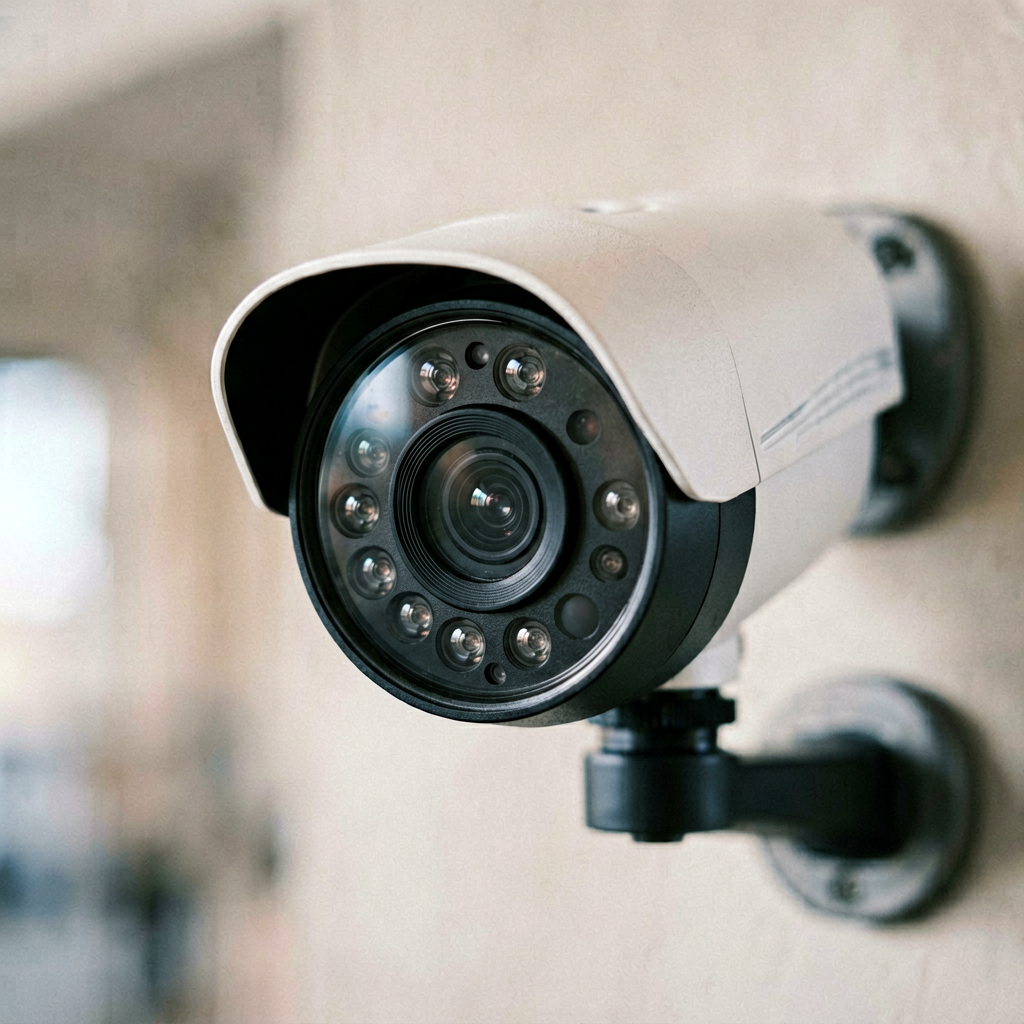
3. Reolink Argus 4 Pro
Price: $199 (camera + huge solar panel)
My Test Period: 4 weeks on the back deck.
What I Liked: This is the “take my money and leave me alone” camera. The 4K video is overkill, but it’s super sharp. The included solar panel is massive (like, 2-3 times bigger than others) and actually kept the battery at 100% through cloudy weeks. The big sell is no subscription. Everything is stored to a microSD card (up to 256GB, you buy it). The app is decent, and you can set up specific motion zones. I really liked not getting alerts for every car driving by on the street.
What I Didn’t Like: The two-way audio is pretty bad—it sounds tinny and has a slight delay. The app, while functional, isn’t as polished as Arlo’s. Also, because it’s so big and the solar panel needs sun, placement is a bit trickier. I had to test a few spots on my deck before it got enough light. It’s also $200, which is steep upfront.
Who It’s For: Homeowners who own their place and hate monthly fees with a passion. Great for a yard or driveway with good sun.
Who It’s NOT For: Apartment dwellers or renters. The size and solar needs make it impractical.
4. Blink Outdoor 4
Price: $129.99
My Test Period: 2 weeks, then I returned it.
What I Liked: The promise is great: totally wireless, two-year battery life. Setup was easy with the app. The video is 1080p, which is fine for general awareness.
What I Didn’t Like: Honestly, it made me kind of mad. The motion detection was terrible. It either missed everything or alerted me for a leaf blowing by. The two-second pre-roll video (which gives you context before the alert) is choppy and low-res. The app is slow. To get person detection and extended clip storage, you need a subscription, which starts at $3/month. For the price, I expected better. After two weeks of frustration, I boxed it up and sent it back.
Who It’s For: Maybe someone deeply invested in the Amazon Alexa ecosystem who needs a truly wireless, low-maintenance solution.
Who It’s NOT For: Anyone who wants reliable, timely alerts. Seriously.
5. Google Nest Cam (Battery, 2024 model)
Price: $179.99
My Test Period: 3 weeks in the garage.
What I Liked: The design is really nice—sleek and compact. The video quality in daylight is excellent. If you have a Google Home ecosystem, it integrates beautifully. The app is clean and easy to use.
What I Didn’t Like: The battery life was bad. I got maybe 3-4 weeks between charges with moderate activity, not the months they advertise. More frustrating, the “intelligent alerts” (person, animal, vehicle) are locked behind a subscription, Google Nest Aware, which is $8/month or $15 for the whole house. Without it, you get a basic “motion detected” alert. For a camera at this price, that feels stingy.
Who It’s For: Someone who already uses Google Home and doesn’t mind the subscription for the smart features.
Who It’s NOT For: Android users who don’t use Google services, or anyone who expects great battery life from a “battery” camera.
Side-by-Side Comparison (Keeping It Real)
| Camera | Price | Resolution | Wire-Free? | Battery Life (My Use) | Subscription Needed? | My Rating (out of 5) |
|---|---|---|---|---|---|---|
| Arlo Pro 5S | $229 | 2K | Yes | ~3 months | For smart alerts | 4.5 |
| Wyze Cam v4 | $49 | 2K | No (wired) | N/A | No (optional cloud) | 4.0 |
| Reolink Argus 4 Pro | $199 | 4K | Yes (solar) | 100% (solar) | Never | 4.0 |
| Blink Outdoor 4 | $130 | 1080p | Yes | Good (but alerts suck) | For smart alerts | 2.0 |
| Google Nest Cam | $180 | 1080p HDR | Yes | ~1 month | For smart alerts | 3.5 |
What to Know Before You Buy (Plain English)
Wire-Free vs. Wired: “Wire-free” means battery (or solar). Super easy to install, but you have to recharge or worry about the battery. Wired cameras have a constant power source, so no recharging, but you need an outlet and might have to drill a hole for the cable.
Local Storage vs. Cloud: Local storage means video saves to a memory card (microSD) inside the camera. You own it, no fee, but if the camera is stolen, so is your footage. Cloud storage saves to the company’s servers over the internet. Safer if the camera is taken, but usually costs a monthly fee ($3-$10).
Subscriptions: The Real Cost: Don’t just look at the camera price. Many brands (Arlo, Blink, Google) make the good features—like knowing if it’s a person or a car—require a monthly fee. Add that up: $10/month is $120/year. Brands like Wyze and Reolink let you have most features without a subscription.
“Smart” Alerts Matter: A basic “motion detected” alert is useless if you get 50 a day from wind. “Person” or “package” alerts save your sanity. Check if the camera you want includes this for free.
FAQ: Questions I Had (And You Probably Do Too)
Do I really need 4K? Probably not. 2K is plenty sharp for seeing faces and license plates from 20 feet away. 4K is nice but makes files huge and uses more storage/bandwidth. I’d only get it if I had a long driveway to monitor.
Will these work through a window? Not well. Motion sensors and night vision (the infrared light) can get confused by glass. You’ll get false alerts or no alerts at all. It’s a headache. Mount it outside if you can.
Is the solar panel worth it? If you can mount it in direct sun, yes. It completely eliminated battery anxiety for me. If your spot is mostly shady, it won’t keep up, and you’ll still have to recharge the battery manually every few months.
Can my neighbor hack into my camera? Unlikely, but possible. Use a strong, unique password for your Wi-Fi and the camera app account, and enable two-factor authentication (2FA) if the app offers it. It’s basic digital hygiene.
My Final Take: Where I’m Putting My Money
After all this testing, I’m keeping the Arlo Pro 5S on my front porch. The combination of reliable alerts, good video, and solid battery (with the hub) is worth the upfront cost for my main point of entry. I’m fine paying for the subscription there.
For my backyard, I just bought a second Wyze Cam v4. It’s
🛒 Recommended Products
*As an Amazon Associate I earn from qualifying purchases.
发表回复